Prioritize the Right Information
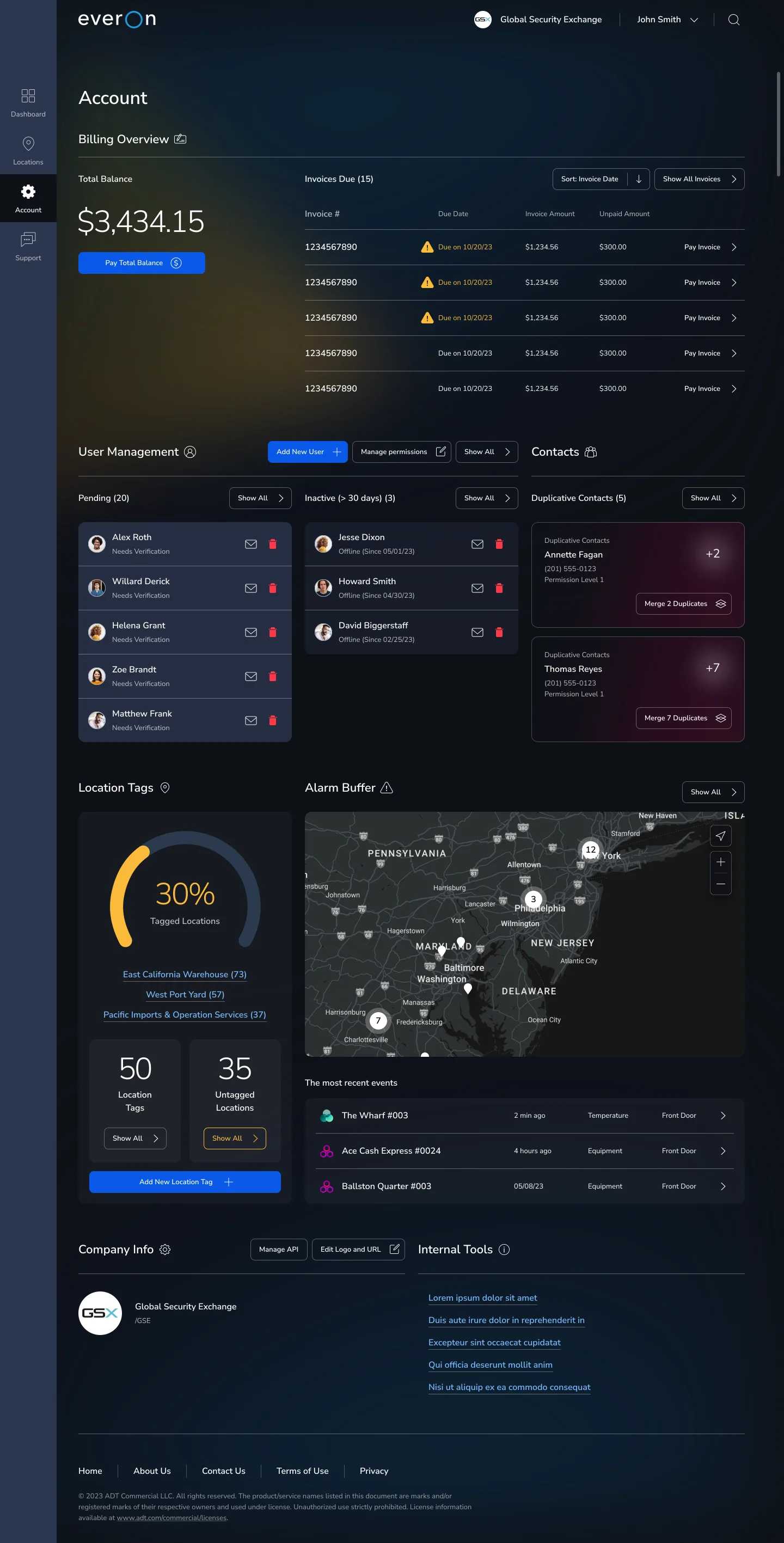
ProblemThe dashboard needed to bring together billing, contacts, team management, locations, security events, and alarm settings, but not all information had the same urgency. Without a clear hierarchy, users would have to scan too much before knowing what needed attention first.
I prioritized the most urgent and business-critical information at the top, then grouped related account areas into clear sections.
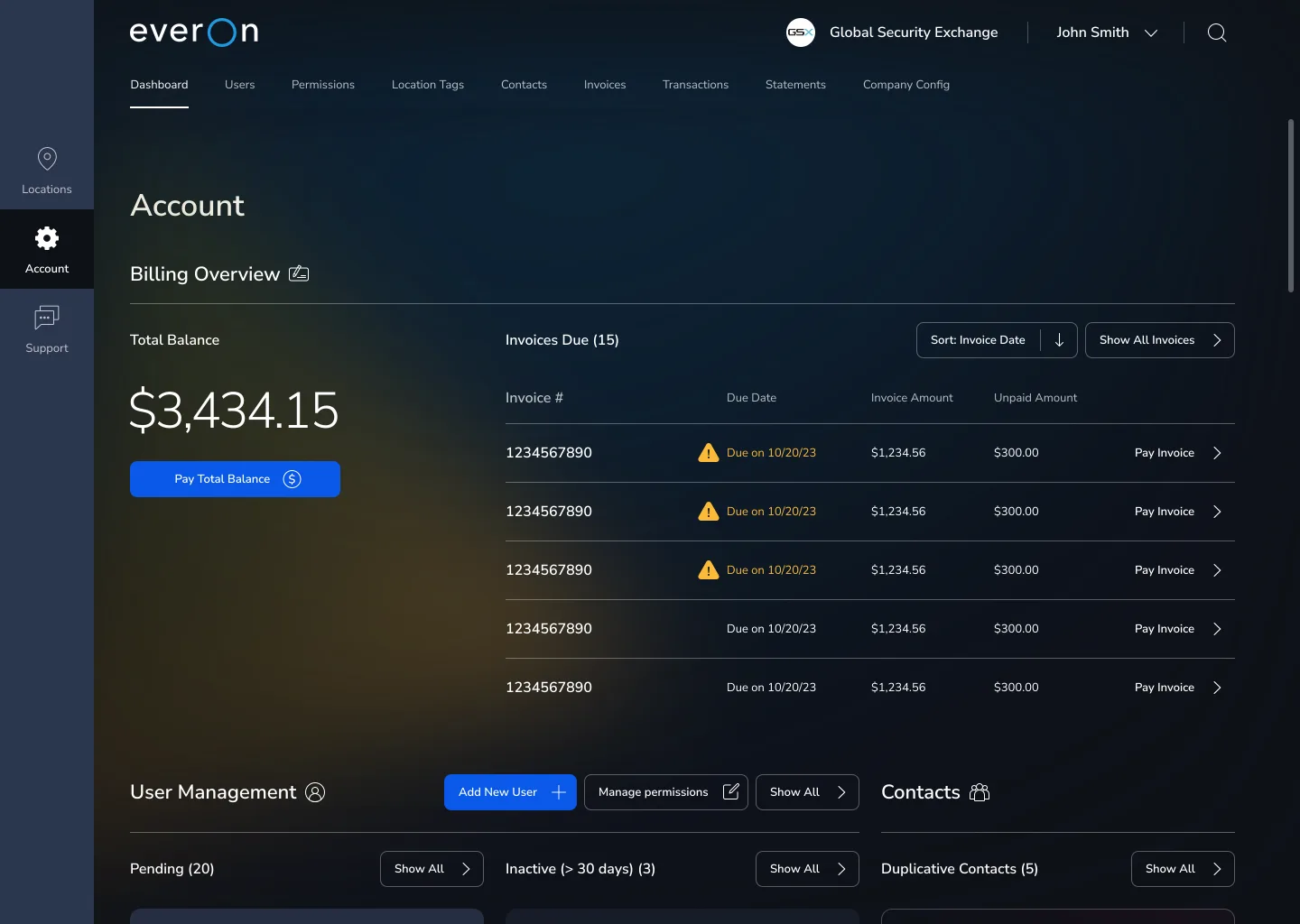
Billing was placed first because it was both a high-frequency user need and a key business priority. The overview makes the total balance immediately visible, anchors it with a primary Pay CTA, and lists the five most urgent invoices by due date with secondary payment actions.
Related account areas were grouped into distinct blocks, each with key details and related CTAs, so users could quickly understand each section and act without scanning the whole page.